
Beginner Tips for Taking Better Phone Photos
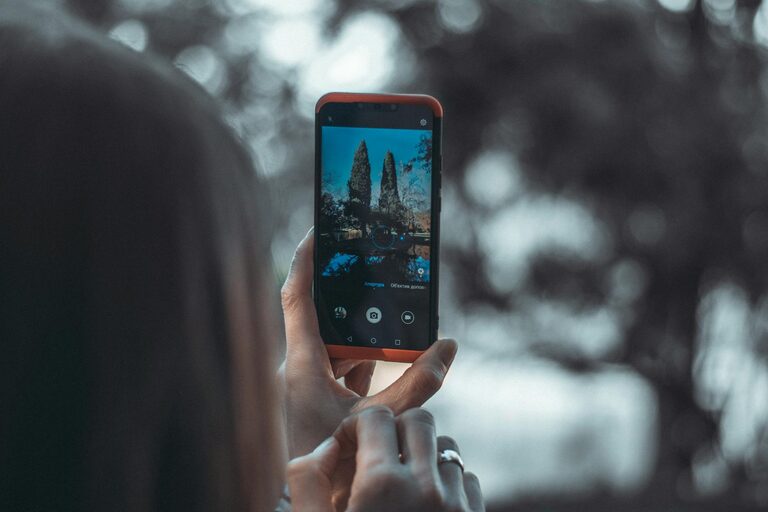
Taking great photos with your phone is easier than you might think. With the right techniques and a bit of practice, anyone can capture beautiful images without needing expensive equipment. Whether you’re new to mobile photography or just want to improve your snapshots, these beginner-friendly tips will help you take better photos with your phone.
Understand Your Phone Camera
Before diving into photography tips, get to know your phone’s camera features. Most smartphones come with multiple lenses, settings, and modes that can enhance your photos.
– Explore the Camera App: Spend some time navigating your camera’s settings. Look for options like HDR (High Dynamic Range), gridlines, portrait mode, or manual controls.
– Check for Multiple Lenses: Many phones have wide-angle, ultra-wide, and telephoto lenses. Experiment with each to understand how they change your composition and zoom capabilities.
– Use the Gridlines: Turn on gridlines to follow the “rule of thirds,” which helps you place subjects in a balanced way within the frame.
Focus on Lighting
Lighting is one of the most important factors in photography. Good light can make your photos shine, while poor lighting can detract from them.
– Use Natural Light Whenever Possible: Photos taken in natural light usually look better than those taken with a flash. Try shooting outdoors during the early morning or late afternoon—the “golden hour”—for warm, soft light.
– Avoid Harsh Shadows: Midday sun can create strong shadows and highlights. If shooting in bright sunlight, find shaded areas or use your hand to block the sun for softer light.
– Turn Off Flash: The built-in flash may cause harsh light and unnatural skin tones. Instead, rely on available light or bring a portable light source if needed.
Steady Your Shot
Blurry photos happen when the camera moves while taking the picture. Keeping your phone steady will improve sharpness dramatically.
– Hold Your Phone with Both Hands: This simple habit increases stability and control.
– Use a Tripod or Stable Surface: For even sharper images, especially in low light, try a phone tripod or rest your phone on a flat surface.
– Tap to Focus: Before taking the shot, tap on the main subject on your screen to set focus and exposure correctly.
Compose Thoughtfully
Good composition helps guide viewers’ eyes and creates visually pleasing photos.
– Apply the Rule of Thirds: Imagine breaking your screen into nine equal parts using two horizontal and two vertical lines. Place your subject along these lines or at their intersections for balanced photos.
– Fill the Frame: Get closer or zoom in (if quality allows) to make your subject stand out and reduce distracting background details.
– Experiment with Angles: Don’t just shoot from eye level. Try low angles, high angles, or side views to add interest and perspective.
– Simplify the Background: A cluttered background can distract from the main subject. Look for plain or contrasting backdrops to make your subject pop.
Use Editing Apps Wisely
Post-processing can enhance your photos, but it’s best to start with a well-composed photo straight from the camera.
– Choose Simple Editing Tools: Apps like Snapseed, Lightroom Mobile, or your phone’s built-in editor offer easy adjustments.
– Adjust Brightness and Contrast: Properly balanced brightness and contrast can make details clearer and colors more vibrant.
– Crop to Improve Composition: Sometimes trimming the edges removes distractions and tightens your composition.
– Avoid Over-Editing: Resist using heavy filters or excessive sharpening as it can make photos look unnatural.
Practice Regularly
The key to improving your phone photography is practicing often.
– Take Photos Daily: Challenge yourself to capture something interesting each day.
– Review Your Photos: Look back at your shots to see what worked and what can be improved.
– Learn from Others: Follow photographers on social media or join online communities where you can get inspiration and feedback.
Bonus Tips for Better Phone Photos
– Clean Your Lens: Phone lenses can get smudged or dusty, which blurs photos. Wipe the lens with a soft cloth before shooting.
– Use Burst Mode for Action Shots: Hold down the shutter button to take multiple photos quickly, then choose the best one.
– Experiment with Portrait Mode: Many phones offer a portrait mode to create a blurred background effect, making your subject stand out.
– Turn Off Digital Zoom: Digital zoom reduces image quality. Instead, move closer to your subject or crop later.
—
By understanding your phone’s capabilities, focusing on lighting and composition, and practicing consistently, you can take phone photos that look professional and vibrant. With these beginner tips, you’re ready to start capturing memorable moments with confidence!